Best apps for iPad Pro and Apple Pencil
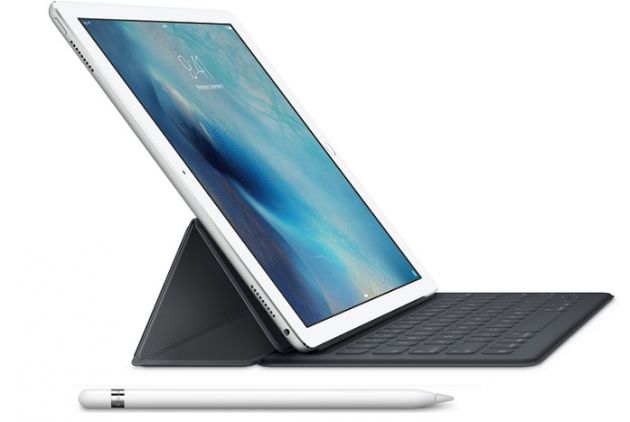
The bigger size of the iPad Pro has meant that apps on the device had to be resized to fit within its larger footprint and also work with the Apple Pencil stylus. After the tablet/laptop hybrid started arriving in users' hands it became clear that some apps for the device and its Apple Pencil stylus were better than the rest and some of these are highlighted below.
AutoCAD 360
This app is essential for many who want to employ the iPad Pro in their workplace and use the Apple Pencil to create drawings. ComputerWorld also states that the software included in the device makes the usage of this app a smooth experience.
uMake
With this 3D design app, users can sketch 2D planes in a space that appears to be 3D, and also they can import photos for use as references. Users can even control the weight and color of curves and edit and delete their control points as they work.
iMovie
When it comes to editing movies the iMovie app is one of the best and even those with 4K resolution can be easily handled on the iPad Pro. With this special effects can be added and a movie can be churned out after a video from the iPhone 6s has been transferred to the tablet.
Evernote
On the iPad Pro Evernote can be used to create sketches and it supports even the use of the Apple Pencil.
Procreate
This app is a favorite for creating sketches and has been optimized for the bigger tablet and its Apple Pencil accessory, and now comes with over 128 brushes for artists to choose from. Among the 100 new features that have been brought to the iPad Pro are an improved interface and upgrades to the inbuilt brush engine.
Complete Anatomy
In this app users can create and share medical content pertaining to the human body. Now there is only a 3D male model included in the Complete Anatomy app which covers over 12 systems in the human body and users can share their work with their group of peers in a cloud based environemnt.